How to Recover Temp Mail Address by MailDax
Temporary email services are designed to be quick and disposable - but that creates a common frustration:
This happens more often than you might think. You generate a temporary address, use it for a quick signup, close the tab, and then realise later that you need to access that inbox again. Here is exactly what you can do about it on MailDax.
Can You Recover a Temporary Email Address?
It depends on two things - how long ago you used it, and whether the inbox has already expired.
Most basic temporary email services delete your inbox permanently after a short window, typically between 10 minutes and 24 hours. Once that window closes, recovery is not possible on those services.
MailDax works differently. If you remember the address you used, you can restore access to it directly from the homepage — as long as the inbox has not been fully purged from the system.
How to Recover Your MailDax Temp Mail - Step by Step
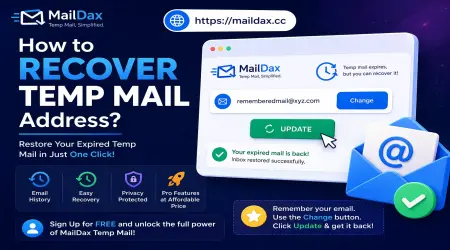
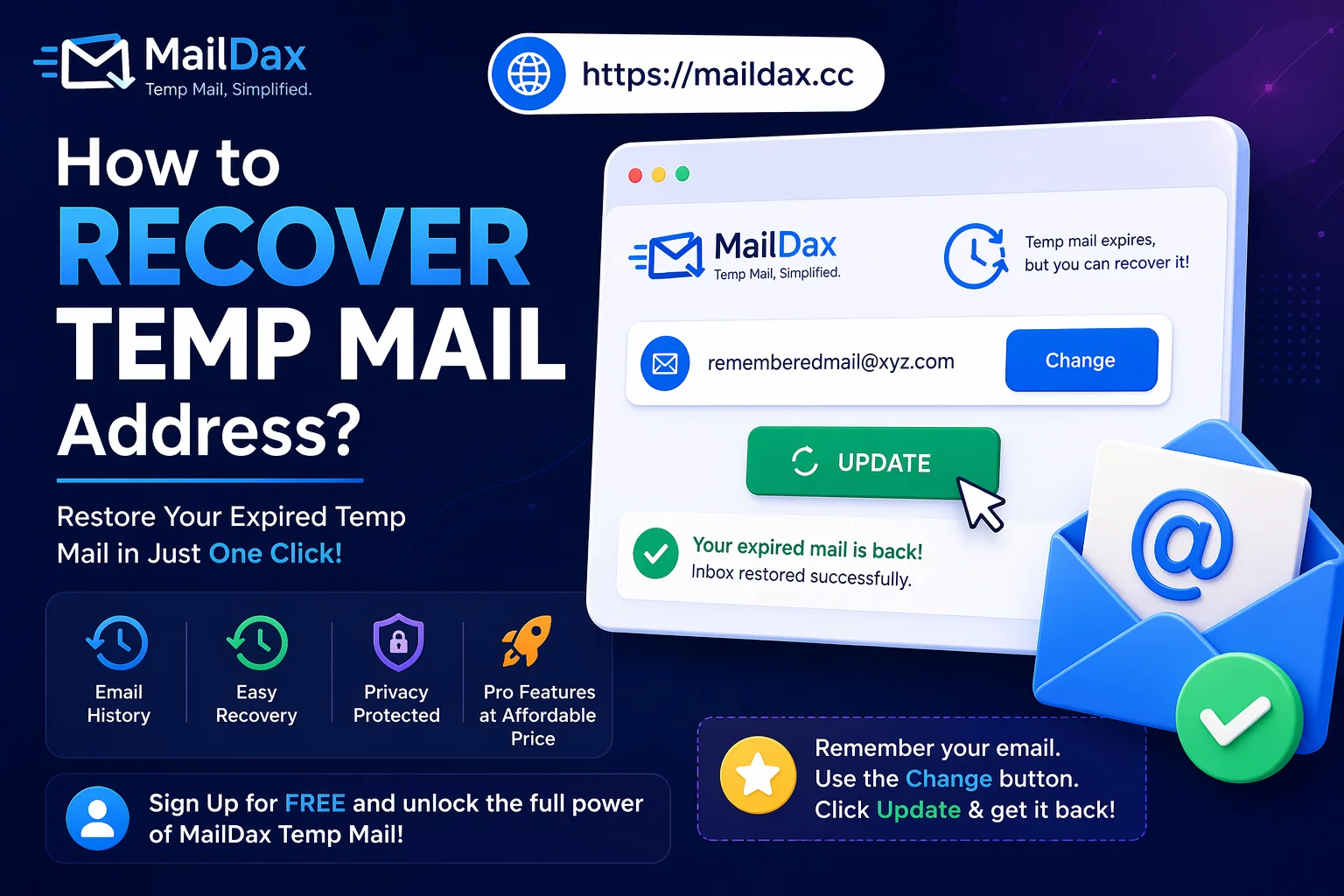
Step 1 - Go to the MailDax homepage Open your browser and visit MailDax.cc. You will see your current temporary inbox displayed automatically.
Step 2 - Find the Change button On the homepage interface, look for the Change button next to your current temporary address. This button allows you to manually enter any address rather than using the auto-generated one.
Step 3 - Type your previous address Enter the temporary email address you used before - the full address including the domain. For example: randomname@maildax.cc
Step 4 - Click Update Once you click Update, MailDax will attempt to load that inbox. If the address is still within the system and has not expired, your previous emails will appear immediately.
What if the Inbox Has Already Expired?
If your inbox has fully expired, recovery is not possible — on MailDax or any other temporary email service. This is by design. Permanent deletion is what makes temporary email private and secure in the first place.
If you think there is a chance you might need to access an inbox again in the future, the best approach is to note down the address before closing the tab. A quick copy-paste into your notes app takes two seconds and prevents the problem entirely.
How to Avoid Losing Access in the Future
A few simple habits that prevent this situation:
- Copy your temp address immediately when you generate it and keep it somewhere accessible until you are done with whatever you needed it for
- Check your inbox before closing the tab — make sure any important verification links or codes have been saved
- Create a free MailDax account if you regularly use temporary email and need to access history across multiple sessions. Registered users can view past inboxes and manage multiple addresses from one place
- Act quickly — the longer you wait, the higher the chance the inbox has expired
The Honest Limitation
Temporary email is not designed for long-term storage. If you need to receive ongoing emails from a service — password resets, account notifications, order confirmations — a temporary address is the wrong tool. Use your real email for anything you might need to access again months from now.
For one-time verifications and short-term signups, MailDax works perfectly. Just remember the address while you need it.